Search ticket messages
Find a conversation by its wording and narrow the results with ticket details.
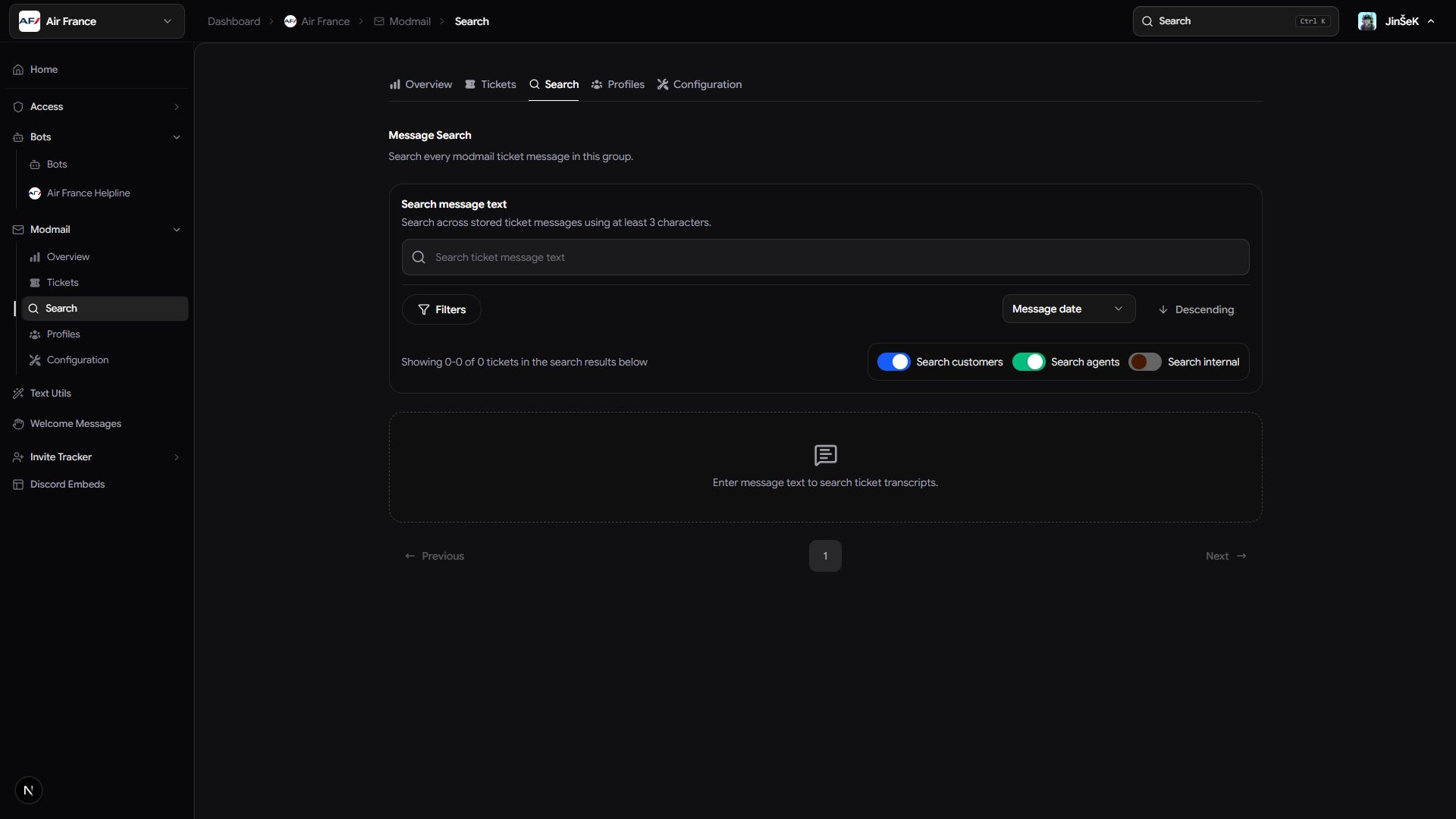
Use Search when you remember what was said but don't know which ticket contains it. Search covers logged ticket messages across your group's connected bots.
Find a conversation by its wording
Open Search in your group's dashboard.
- Enter a word or short phrase from the conversation.
- Wait for the results. If the query is too short, add more wording.
- Review the matching messages, grouped by ticket with surrounding context.
- Select a result to open the full transcript.
Try a distinctive term from the request if a broad phrase returns unrelated conversations.
Narrow the results
Combine message text with the ticket details you remember.
| Filter | What it narrows |
|---|---|
| Status | Open tickets, closed tickets, or both. |
| Discord server | The server where the ticket opened. |
| Opened by | The person recorded as opening the ticket. |
| Closed by | The person recorded as closing the ticket. |
| Date | When the ticket opened. |
Sort results by matching message time, ticket opening time, or ticket ID. Switch the direction to see newest or oldest first.
Understand what search can find
Search covers text Modmail logged during a conversation. A message deleted in Discord can still appear if it was logged before deletion. Open the transcript and use Show deleted to review that context.
To browse without a phrase, use Tickets and its filters instead. To review one person's support history, use Profiles.
Next steps
Review a member profile, or read and export the matching ticket.
Last updated on